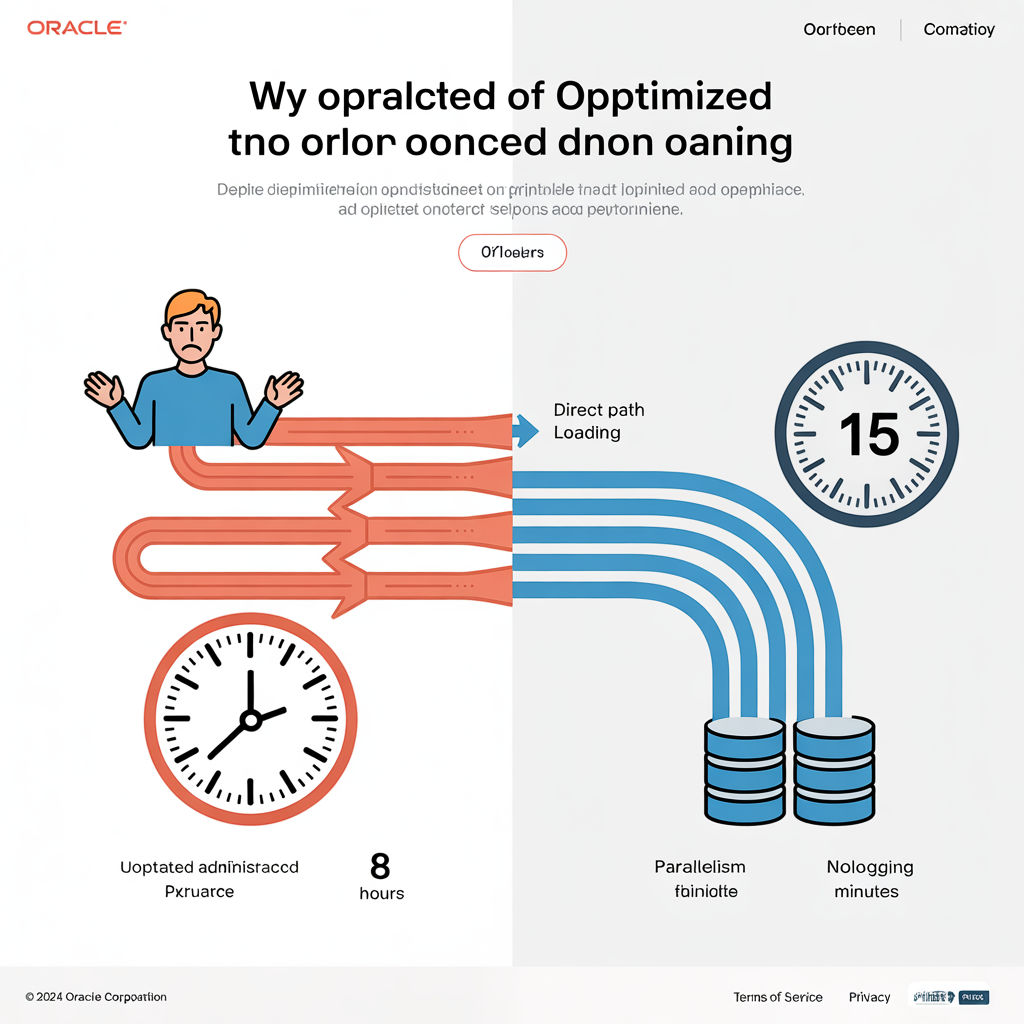
After 15 years optimizing database performance, I’ve found that few improvements deliver more business value than accelerating data loader jobs. Whether you’re running nightly ETL processes or real-time data integration, slow data loads can bottleneck your entire operation. Here’s my field-tested playbook for speeding up Oracle data loads in production environments.
Choose the Right Loading Method
Oracle offers several loading approaches with vastly different performance profiles. SQL*Loader in direct path mode can provide immediate gains with minimal changes. At a telecom client, switching from conventional to direct path loading reduced processing time for 50 million records from 4 hours to 40 minutes:
sqlldr username/password@database control=load.ctl direct=true
External tables combined with parallel operations often outperform complex PL/SQL ETL processes. A retail client achieved a 300% performance improvement by implementing:
CREATE TABLE ext_sales_data (
    transaction_id NUMBER,
    store_id NUMBER,
    sale_date DATE,
    amount NUMBER
)
ORGANIZATION EXTERNAL (
    TYPE ORACLE_LOADER
    DEFAULT DIRECTORY data_dir
    ACCESS PARAMETERS (
        RECORDS DELIMITED BY NEWLINE
        FIELDS TERMINATED BY ','
    )
    LOCATION ('sales_data.csv')
)
PARALLEL 8;
Leverage Parallelism Strategically

Parallelism can dramatically reduce loading times when implemented correctly. A manufacturing client loading 80GB of sensor data achieved near-linear performance scaling by using:
ALTER SESSION ENABLE PARALLEL DML;
INSERT /*+ PARALLEL(16) */ INTO production_metrics
SELECT /*+ PARALLEL(16) */ * FROM ext_sensor_data;
Start with a parallelism degree equal to half your CPU cores and test incrementally from there. Remember that excessive parallelism can cause CPU contention and actually degrade performance.
Optimize Table Design
Table partitioning is perhaps the most powerful structural optimization for data loading. A financial services company cut their daily load window from 6 hours to 2 hours by implementing partition exchange loading:
ALTER TABLE transactions
EXCHANGE PARTITION p_2022_02
WITH TABLE transactions_staging
INCLUDING INDEXES;
This technique loads data into a staging table, then swaps it into the main table in seconds—regardless of data volume.
Manage Indexes During Loads
Each inserted row requires index maintenance, significantly slowing loads. An insurance client reduced their 3-hour process to 45 minutes by making indexes invisible during the load:
-- Before loading
ALTER INDEX policy_customer_idx INVISIBLE;

-- Load data
INSERT INTO policies SELECT * FROM staging_policies;

-- After loading
ALTER INDEX policy_customer_idx REBUILD PARALLEL 8 VISIBLE;
For massive loads, completely dropping and recreating indexes can be even faster, though this requires careful coordination with application teams.
Implement Direct Path with NOLOGGING
Direct path loading bypasses the buffer cache and SQL processing, writing formatted data blocks directly to disk. Combining this with the NOLOGGING option minimizes redo generation:
ALTER TABLE call_records NOLOGGING;
INSERT /*+ APPEND */ INTO call_records SELECT * FROM staging_calls;
ALTER TABLE call_records LOGGING;
This approach reduced a retail analytics client’s loading time from 4 hours to 45 minutes for a 500GB dataset. Important caveat: during NOLOGGING operations, ensure you have alternative recovery strategies like database copies or storage snapshots.
Tune Commit Frequency
Finding the optimal commit frequency balances performance with recoverability. Committing too frequently creates excessive redo generation; too rarely risks large rollbacks. Through testing at a healthcare client, we found that committing every 10,000 rows hit the sweet spot for their workload:
DECLARE
  v_counter NUMBER := 0;
BEGIN
  FOR record IN (SELECT * FROM staging_table) LOOP
    INSERT INTO production_table VALUES record;
    v_counter := v_counter + 1;
    IF v_counter >= 10000 THEN
      COMMIT;
      v_counter := 0;
    END IF;
  END LOOP;
  COMMIT;
END;
The optimal batch size varies based on row size and system resources—test in your environment to find the right balance.
Adjust Database Parameters
Several database initialization parameters can significantly boost loading performance:
ALTER SYSTEM SET db_file_multiblock_read_count = 128;
ALTER SYSTEM SET db_writer_processes = 8;
ALTER SYSTEM SET pga_aggregate_target = 16G;
These adjustments improved loading performance by 35% at an energy company processing smart meter data. For temporary space management, properly sized temp tablespaces with appropriate extent sizes can make a substantial difference:
CREATE TEMPORARY TABLESPACE temp_load
TEMPFILE '/oradata/temp01.dbf' SIZE 50G
EXTENT MANAGEMENT LOCAL UNIFORM SIZE 16M;
Monitor and Fine-Tune
Ongoing monitoring provides critical insights for optimization. Create custom monitoring scripts to identify bottlenecks:
SELECT sid, username, event, seconds_in_wait,
       buffer_gets, disk_reads
FROM v$session s JOIN v$sess_io i ON s.sid = i.sid
WHERE username = 'LOADER_USER';
At an e-commerce client, this monitoring revealed “log file sync” waits due to insufficient redo log sizing. Increasing log file size from 50MB to 1GB reduced load times by 28%.
Conclusion
The most effective Oracle data loading solutions combine multiple techniques tailored to your specific workload. Start by profiling your current process to identify bottlenecks, then systematically apply these strategies while measuring their impact. With the right approach, even the most challenging data loads can achieve impressive efficiency. I’ve seen these techniques consistently reduce loading times by 70-90% across various industries and workloads. What loading performance challenges are you facing in your Oracle environment? I’d love to hear about your experiences in the comments.







 Home
Home 